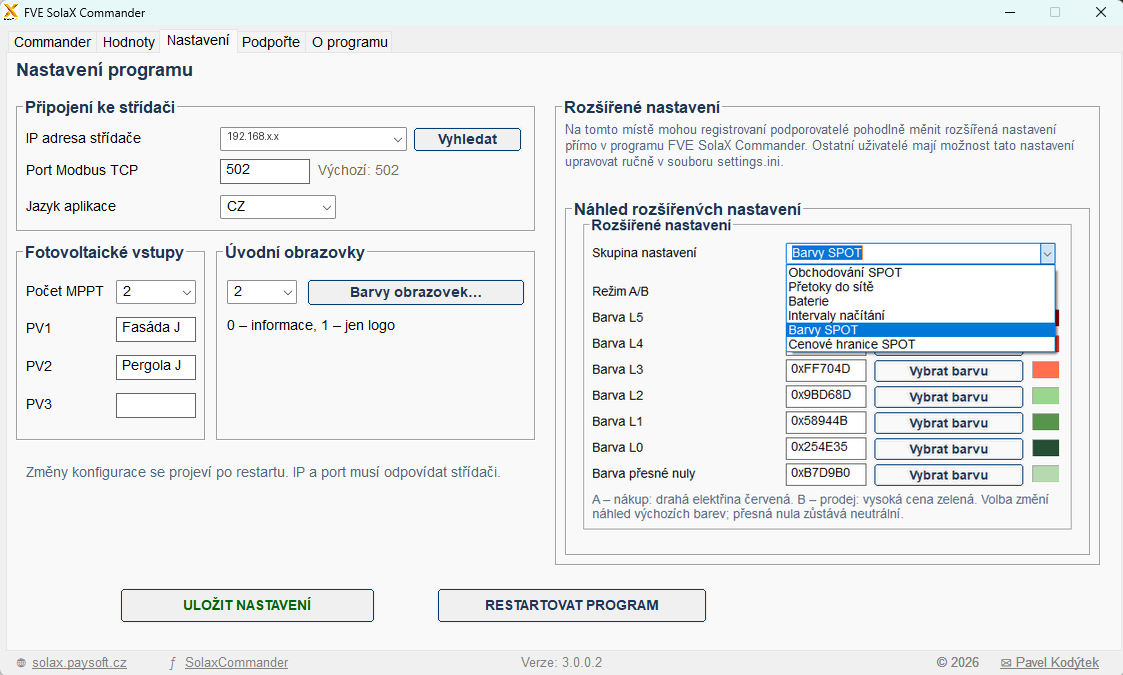
 CZ
 SK
 EN
 DE
 PL
 RU
Program settings
Basic FVE SolaX Commander configuration is performed directly in the application. The program is designed for easy commissioning and minimal maintenance.
Connecting to the inverter
FVE SolaX Commander is designed so that even users with no networking knowledge can connect to their inverter. As soon as the application starts, it automatically attempts to discover the inverter on the local network and prefill its IP address.
If the inverter is not found on the first attempt, users can repeat the search at any time using the Search button, or enter the IP address manually if they know it.
Communication uses Modbus TCP with default port 502. When automatic discovery succeeds, there is no need to look up the IP address in the router or deal with detailed network settings.
Language versions and custom translations
Czech, Slovak, English, German, Polish and Russian are available as standard.
Users can also create their own language version: use any existing language file, edit the translation and save it under a custom name distinct from the built-in languages (for example CZ2). Missing translations of new entries in subsequent releases automatically fall back to English until the user adds them.
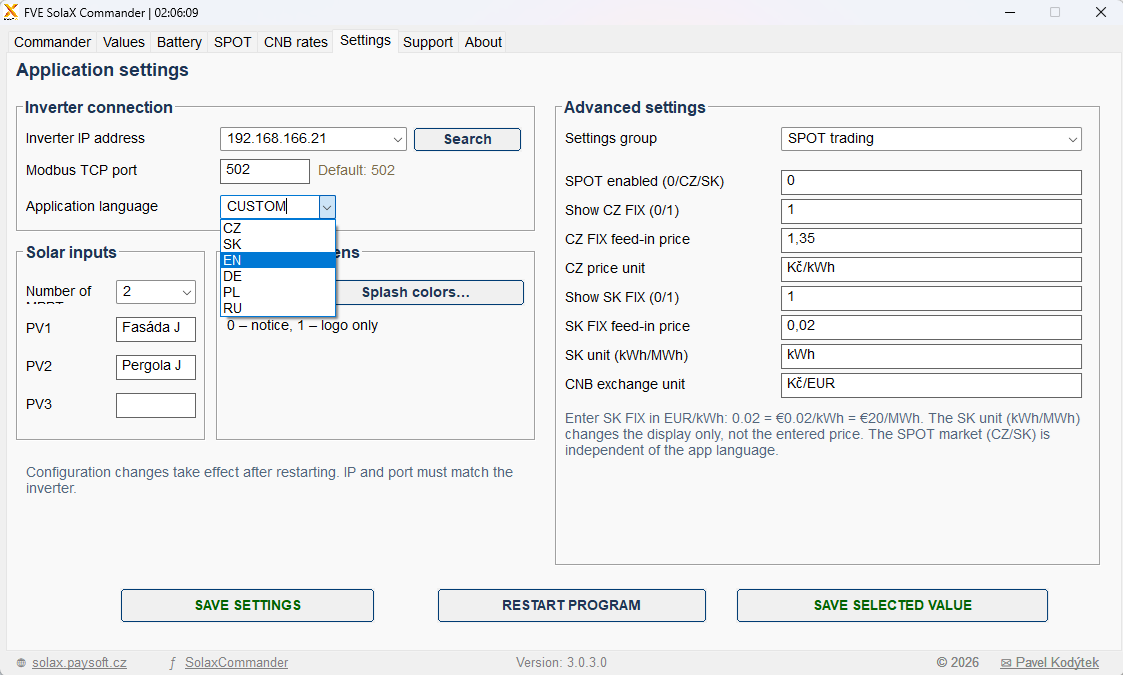
Advanced settings
Spot trading, grid export, battery, polling intervals, colours and price thresholds. Registered supporters can conveniently edit advanced values in the application.
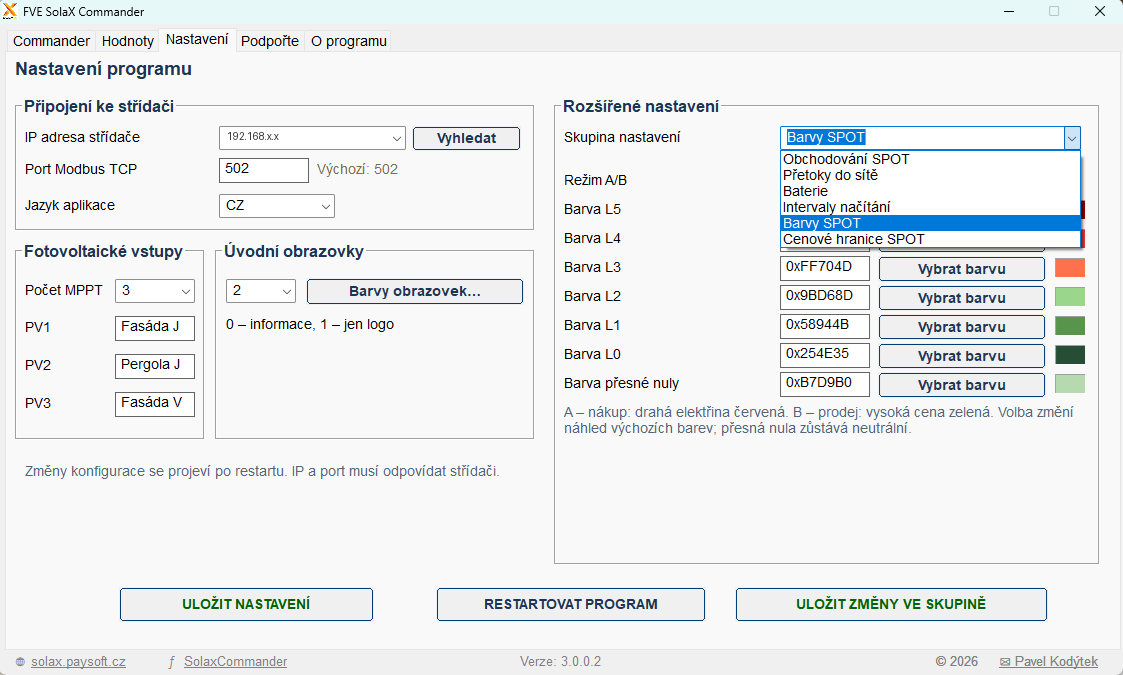
Users without unlocked premium features can edit these values manually in settings.ini. The application provides a preview of the advanced settings.